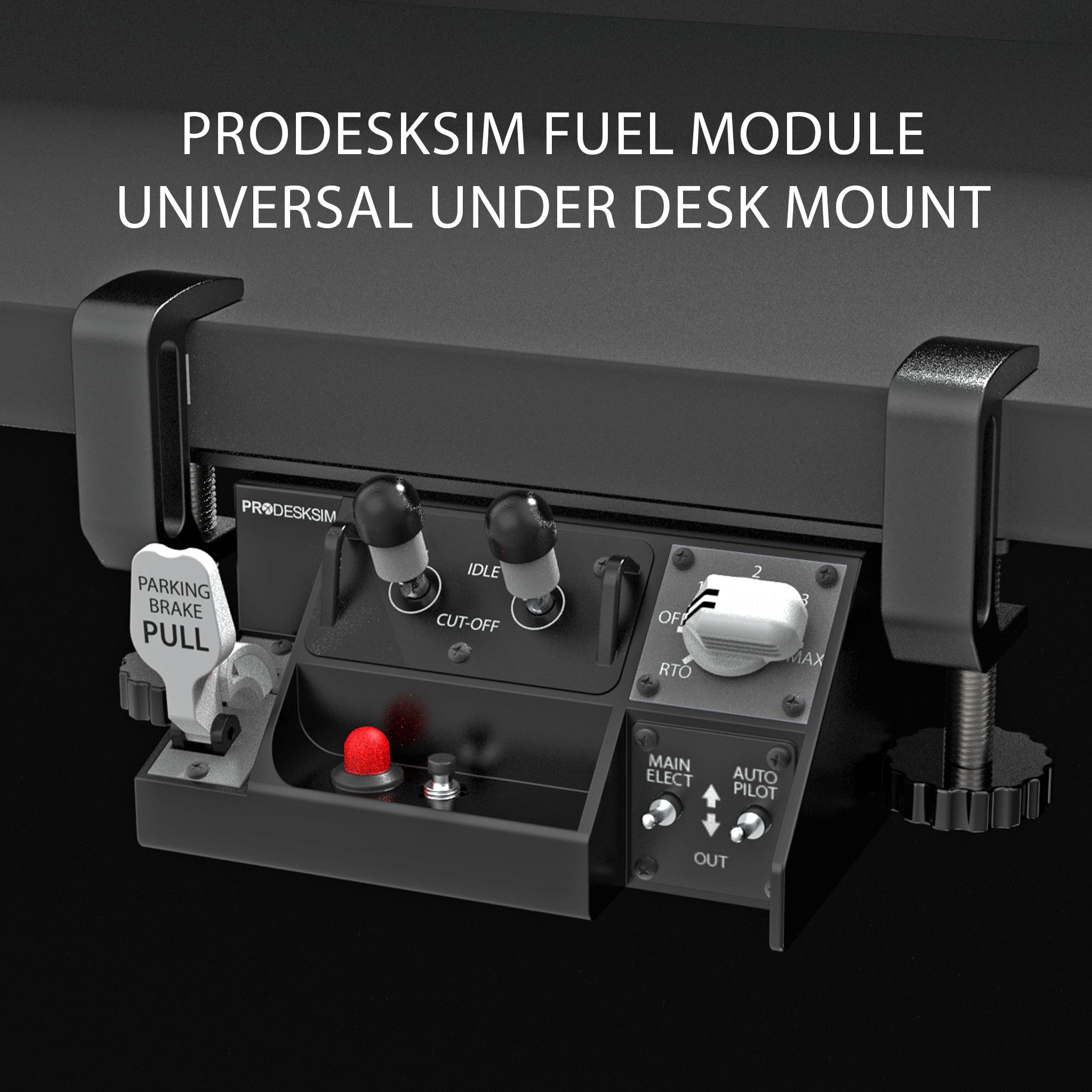
** Due to unusually high demand, this product’ this product ships out from our warehouse 4–6 weeks after the order date **

NEW! Prodesksim Stand Alone B7X7, 2 Engine Fuel Cut-off/Auto Brake/Parking Brake/Stab Trim Panel


Price:
Sale price$109.00 USD

Payment & Security

Apple Pay Bancontact Diners Club Discover Google Pay iDEAL Mastercard Shop Pay Visa

Your payment information is processed securely. We do not store credit card details nor have access to your credit card information.

Description

** Due to unusually high demand, this product’ this product ships out from our warehouse 4–6 weeks after the order date **

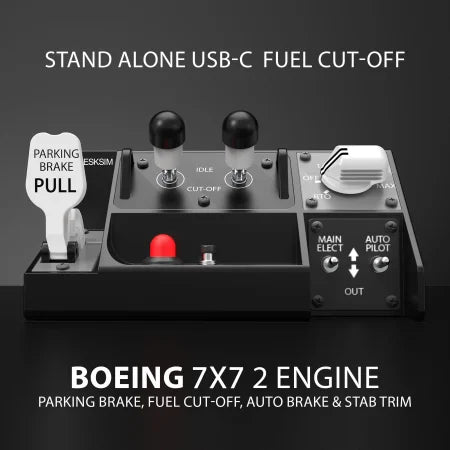
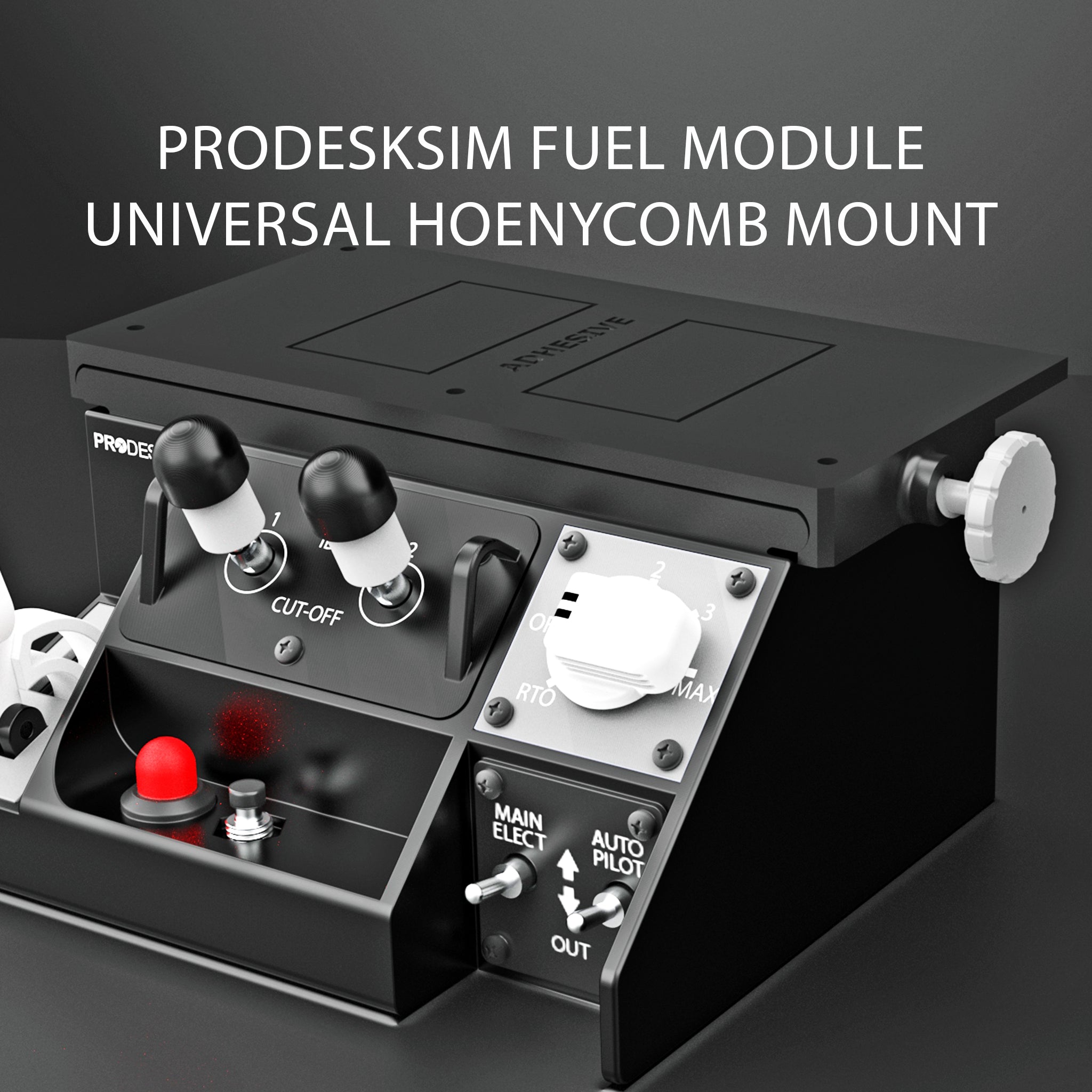
A compact, stand-alone control panel featuring 2x spring-loaded gated (locking) starter switches. Lift to unlock and move to position for ENG 1 and ENG 2. A parking brake lever with LED indication, Stab Trim toggle switches, Auto Brake selector and horn cutout button. Connects via USB-C for easy setup and is designed to bring essential Boeing controls into one simple, space-saving unit — ideal for desktop and home cockpit use. Can be setup via Mobiflight, SpadNext, within the sim and other options as well! 

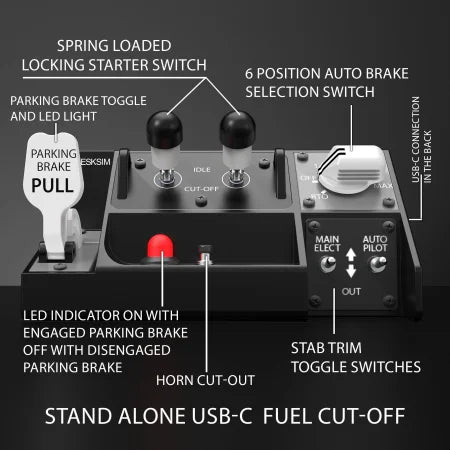
  • Detent parking brake lever
  • parking brake LED indicator
  • 2x Spring loaded, gated starter switches
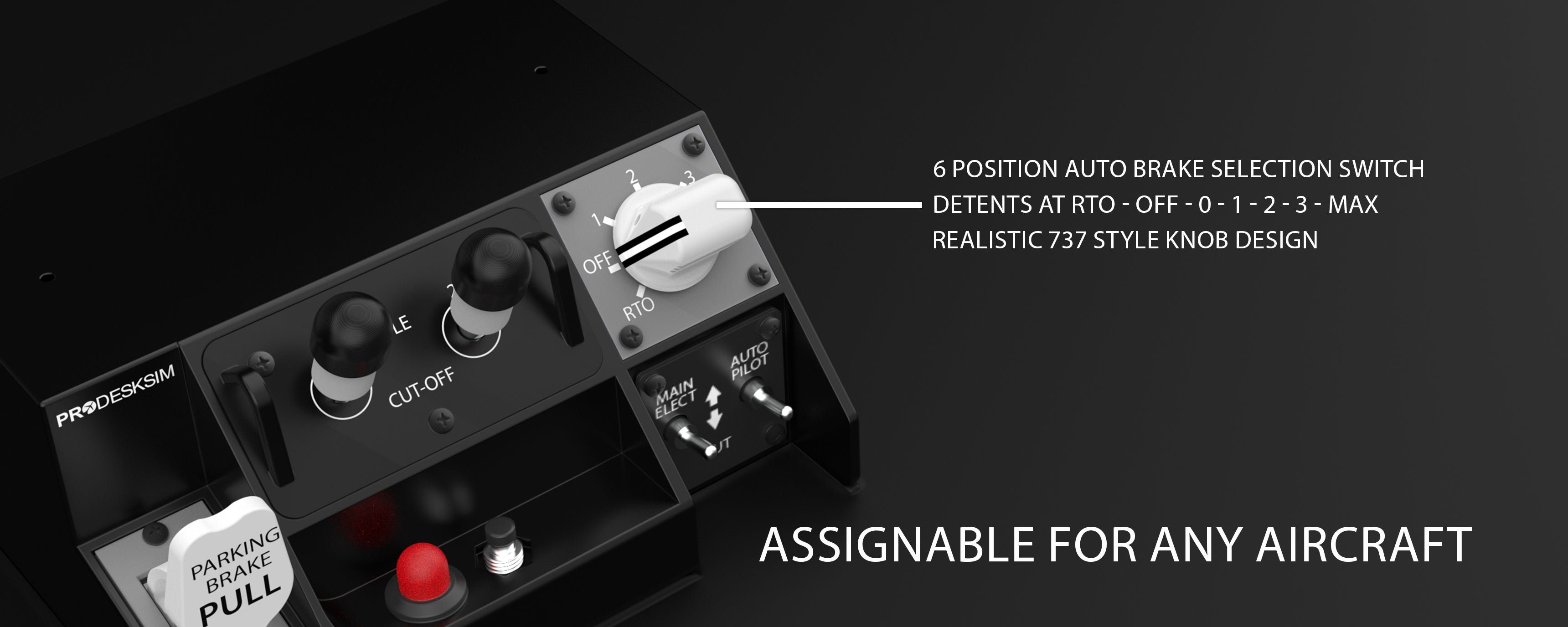
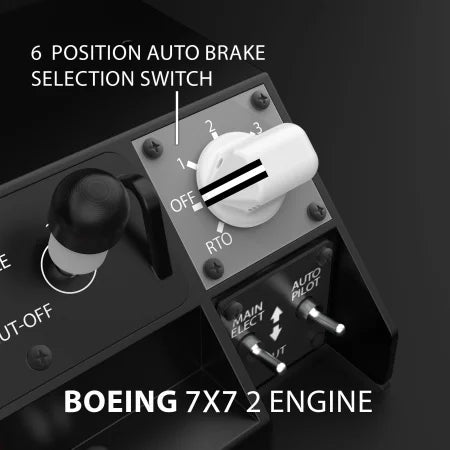
  • 6 position auto brake selector with detents at RTO - OFF - 0 - 1 - 2 - 3 - MAX
  • Stab Trim Toggle switches
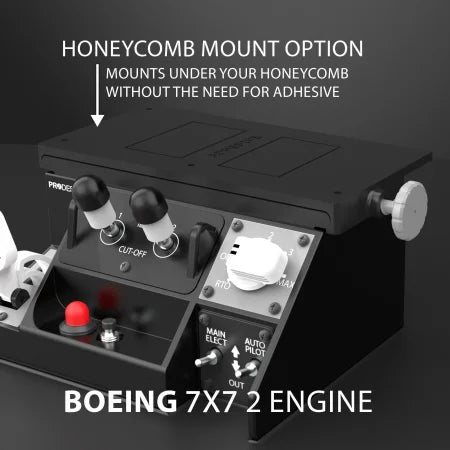
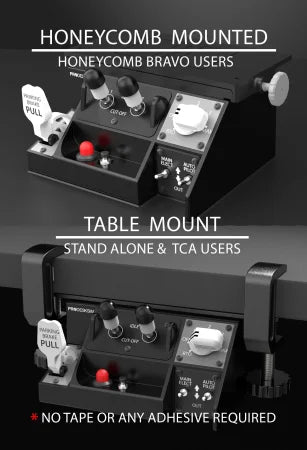
  • Fully Stand alone product. Mountable to Table, TCA and Honeycomb bravo as well as other mounting options. 

Product Size: 15.3 cm W x 7.2 cm H x 12.6 cm D (6" x 2.8" x 5") 

More Product Details
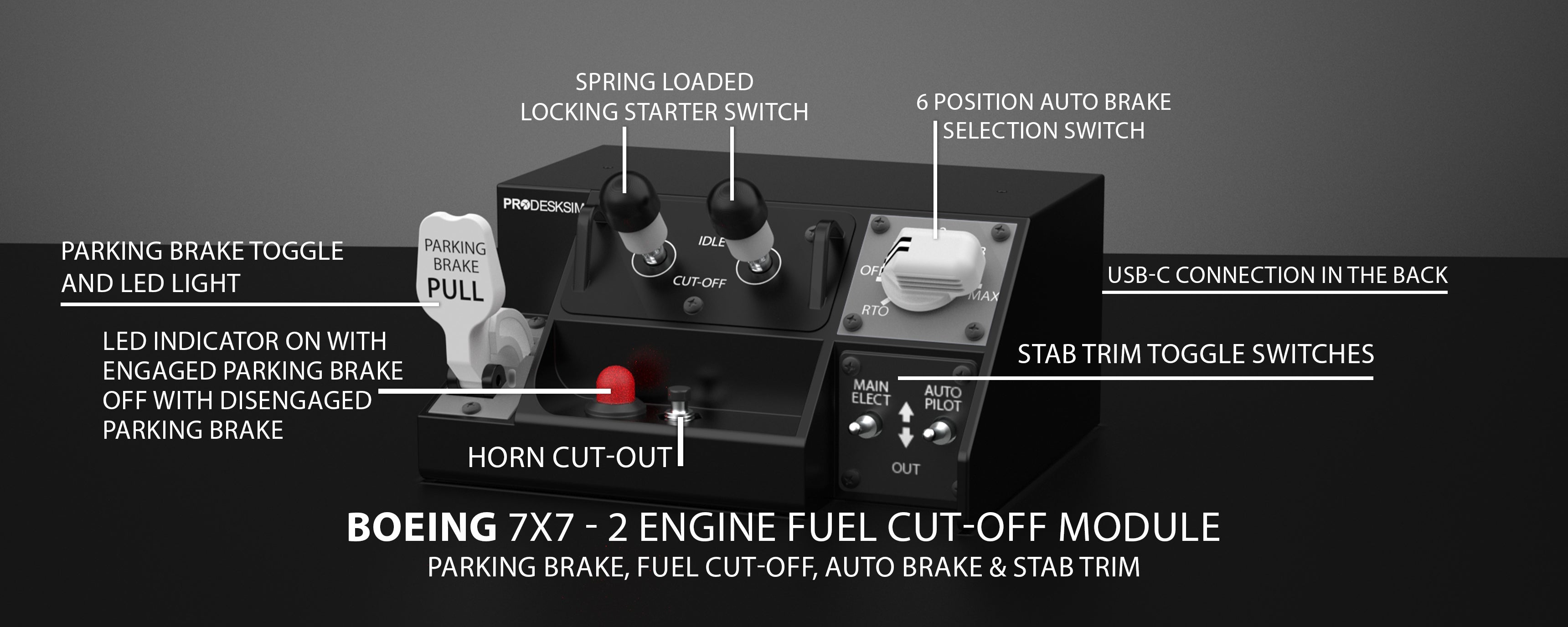
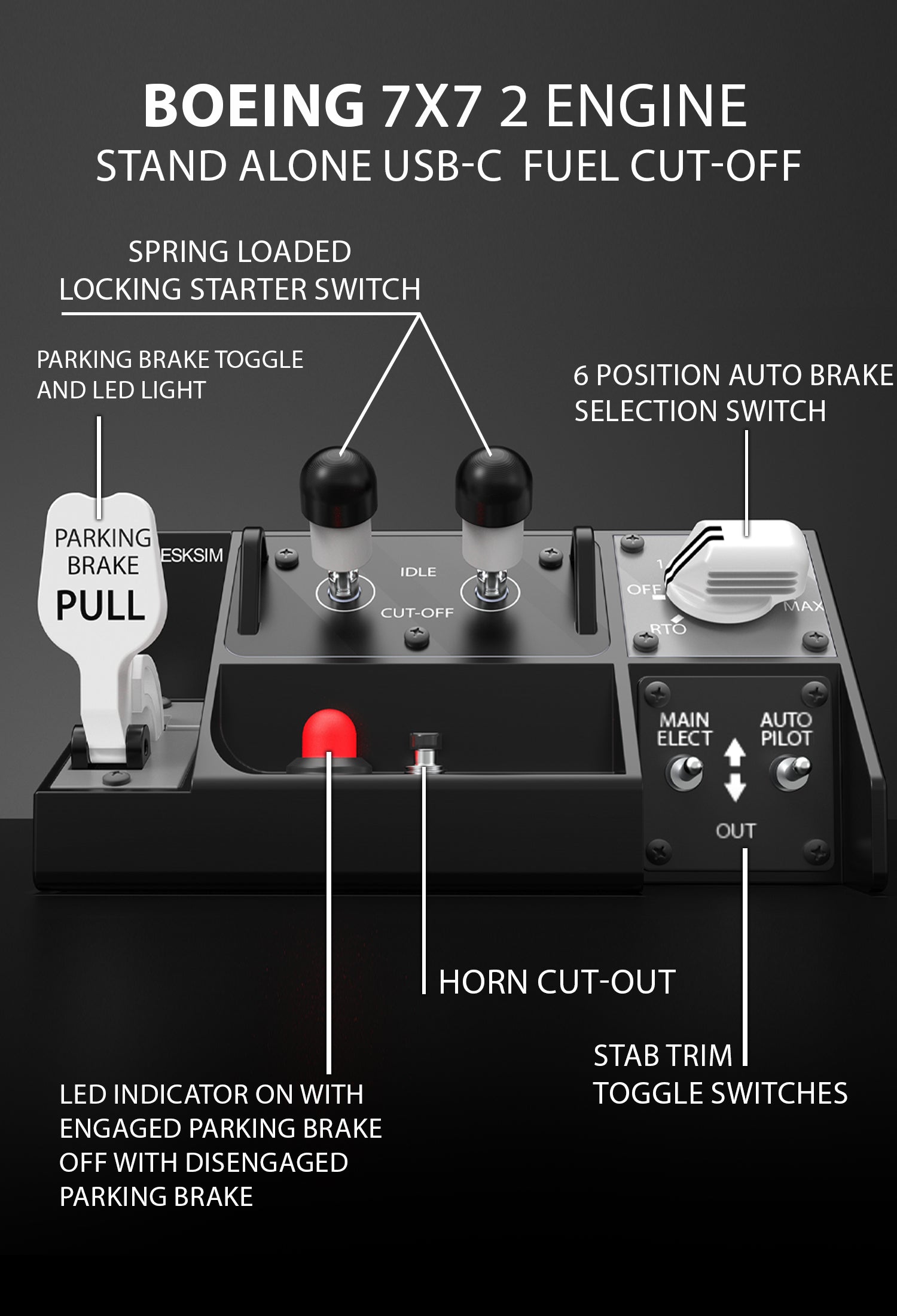
A black Boeing 7x7 2-engine fuel cut-off module with labeled switches and toggles for parking brake, fuel cut-off, auto brake, stab trim, and USB connection, with descriptive white text overlays detailing each function.
A labeled control panel for a Boeing 7X7 2-engine fuel cut-off system, featuring switches, toggles, and indicator lights for parking brake, starter, auto brake, horn cut-out, and stab trim cut-off.
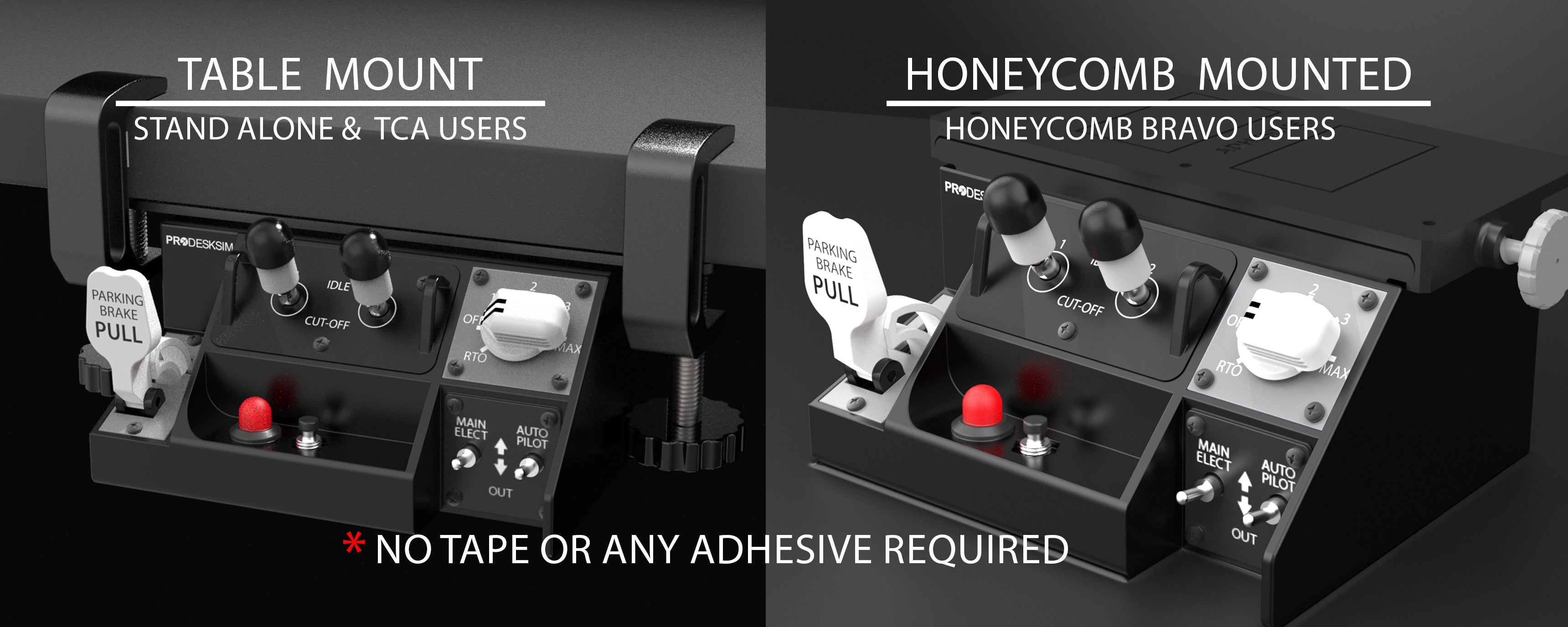
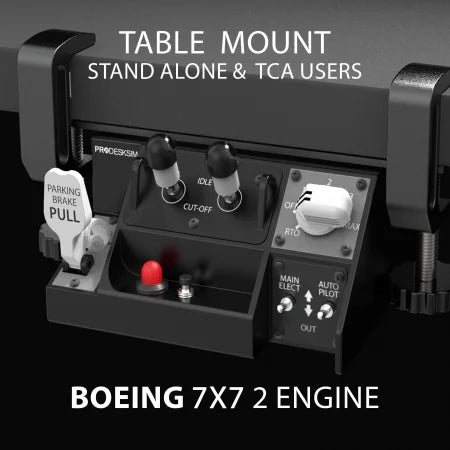
Split image showing two mounting options for a flight simulator switch panel: left side is table mount for stand-alone and TCA users, right side is honeycomb mounted for Honeycomb Bravo users. Text notes no tape or adhesive required.
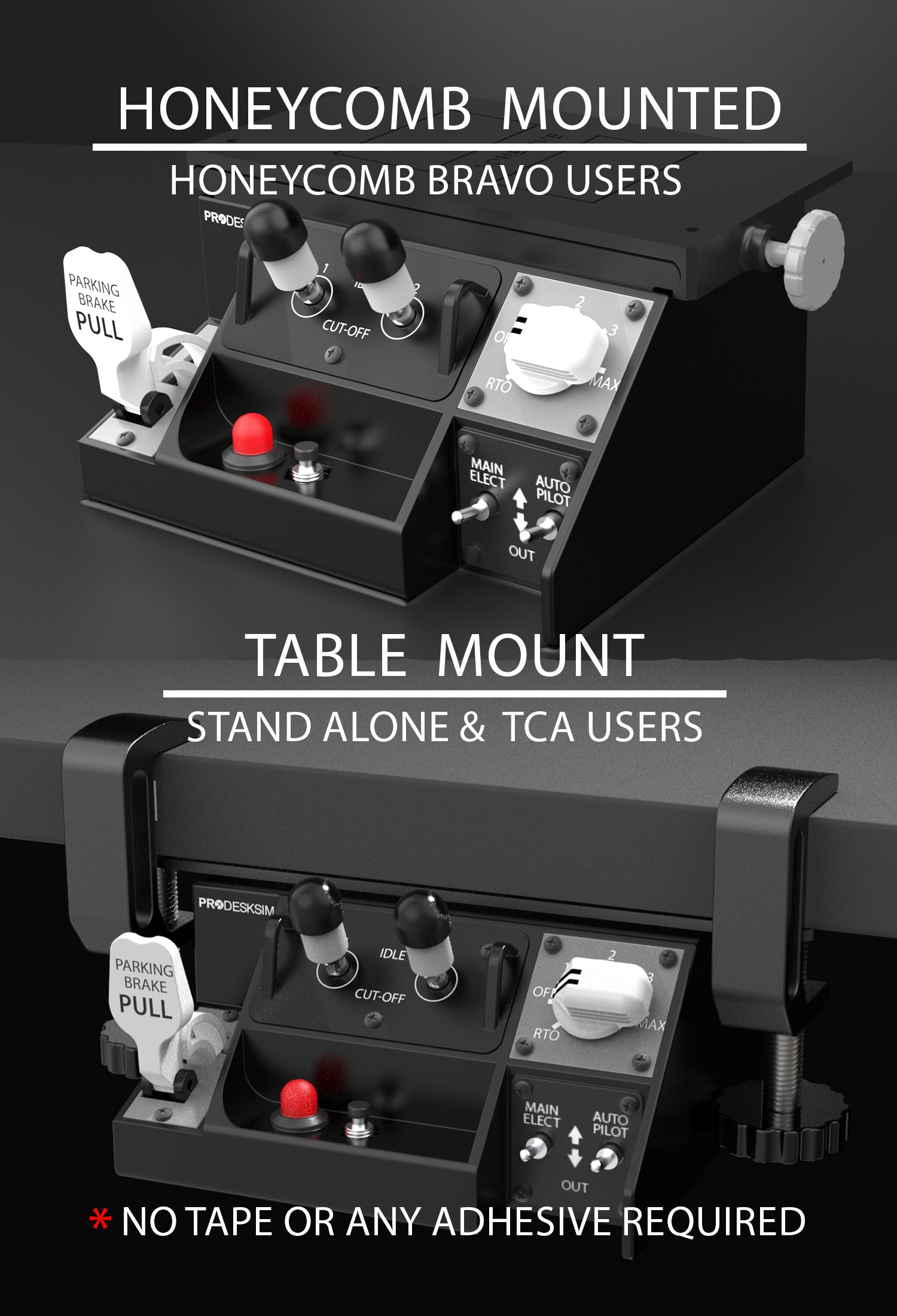
Two close-up images of the Prodesksim Stand Alone B7X7 Panel—one mounted on a Honeycomb Bravo base, the other table-mounted—highlight its switches and labels, showing desktop flight simulator compatibility.
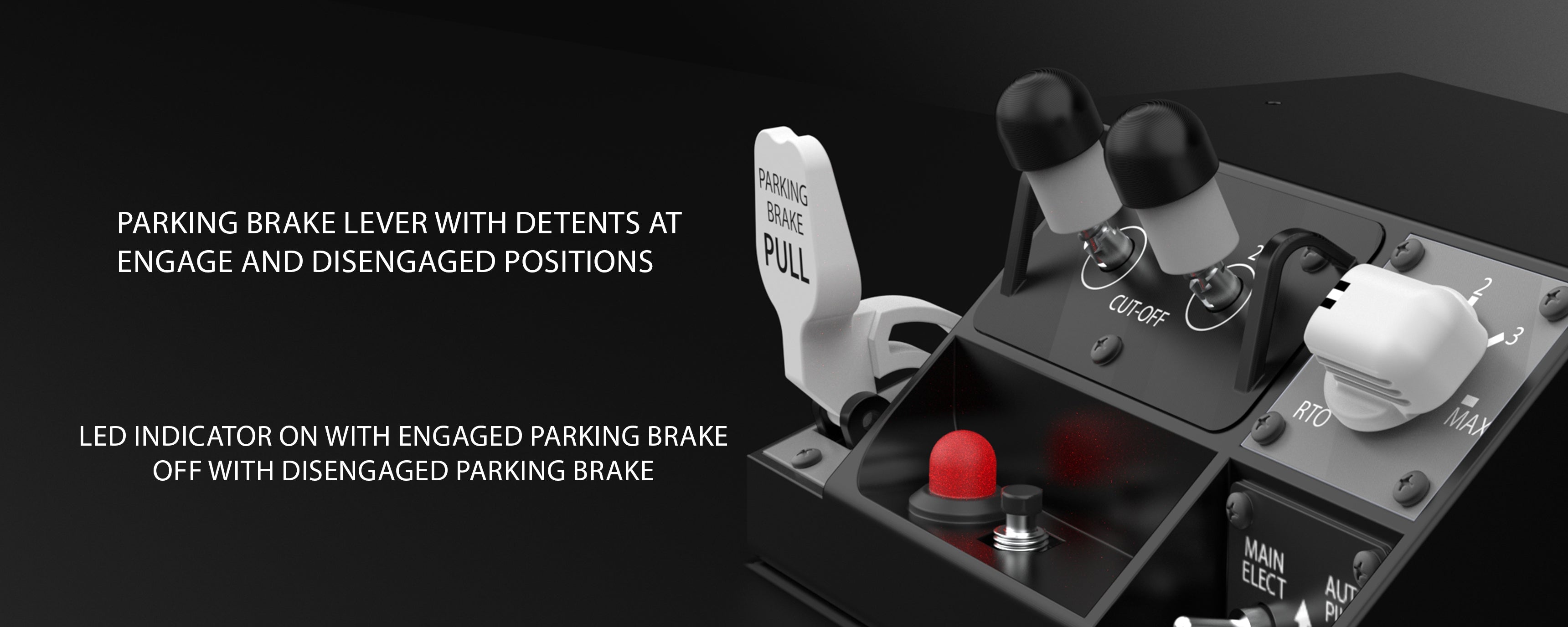
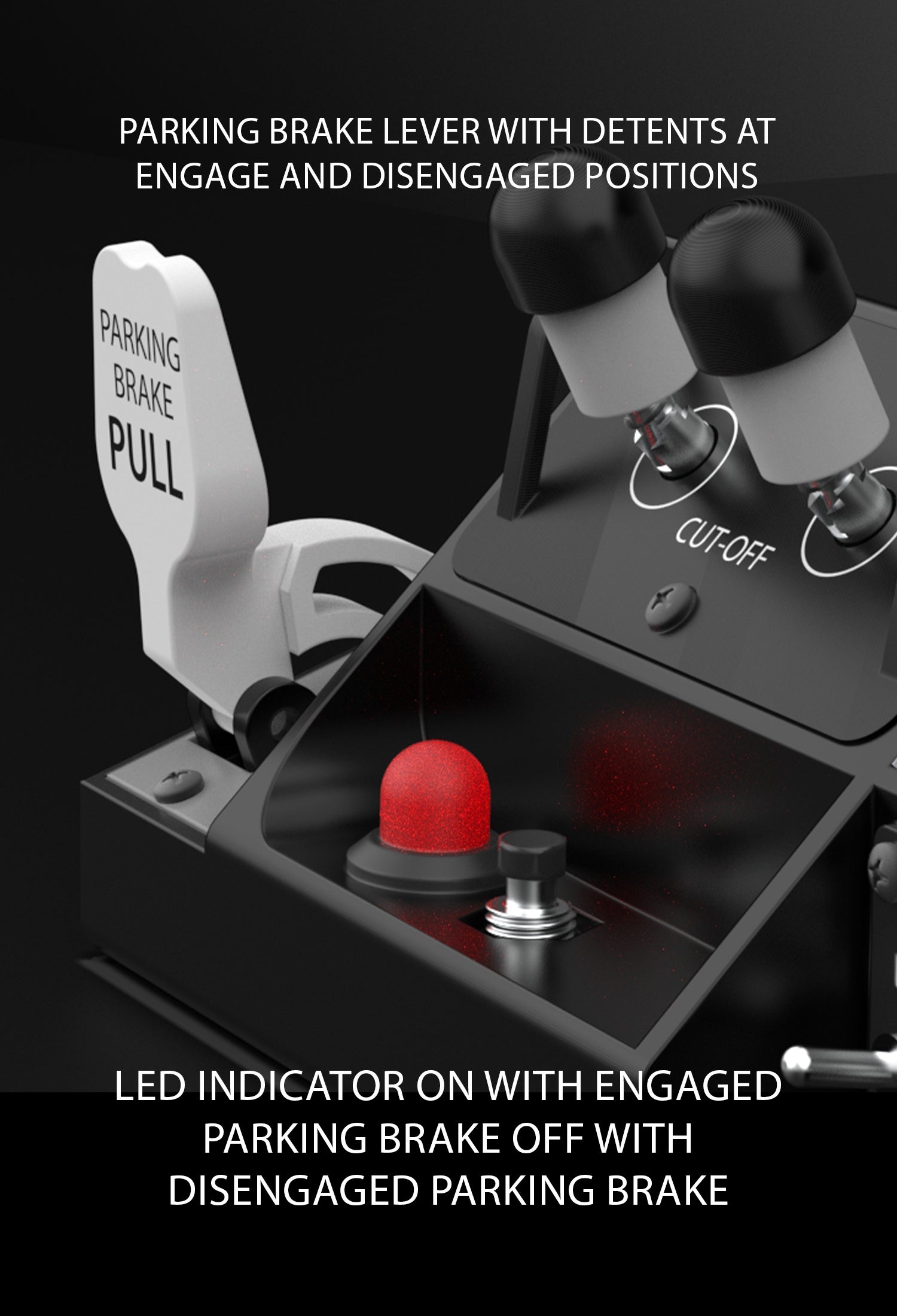
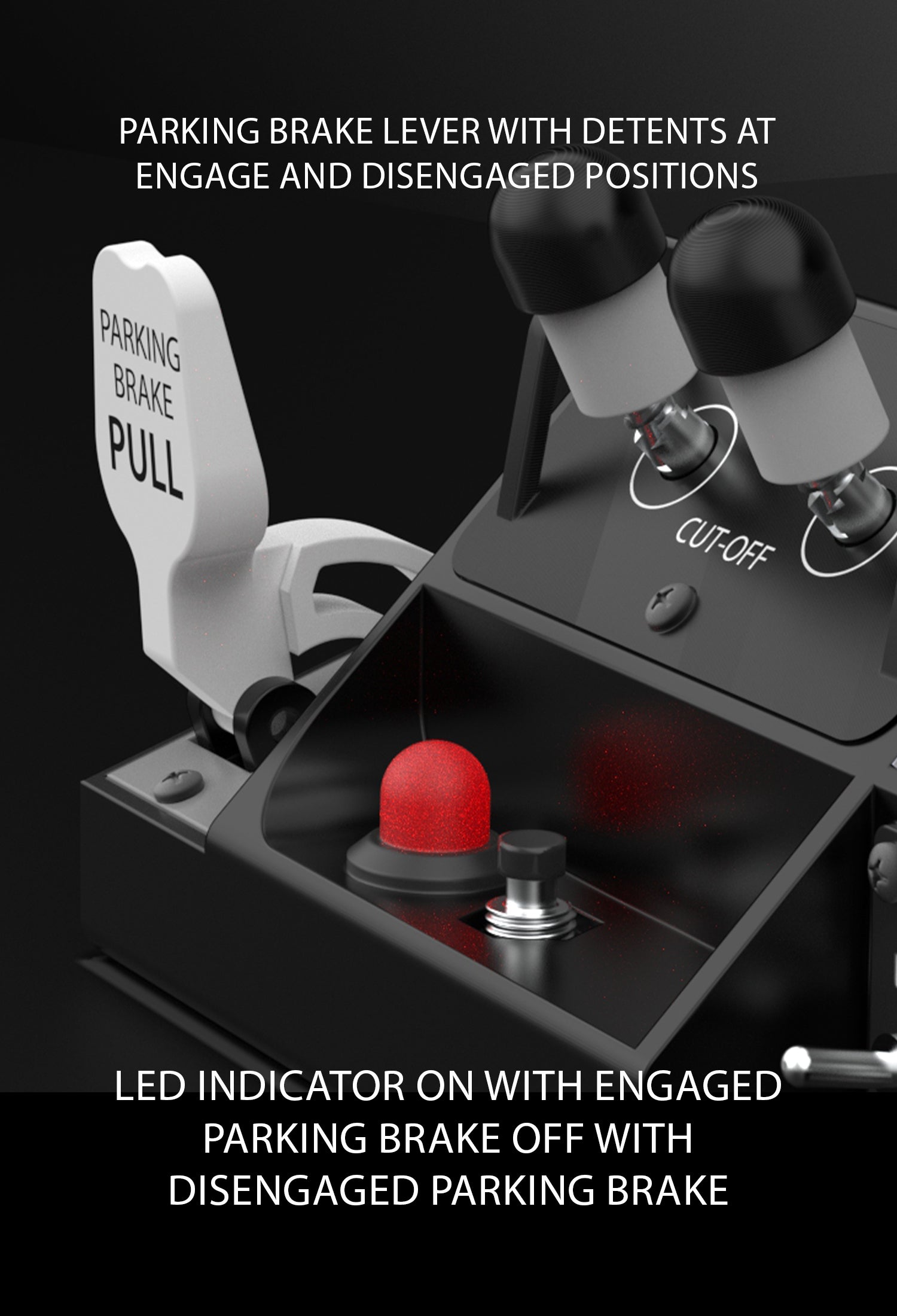
A close-up of an aircraft parking brake lever labeled "PULL," with detents at engaged and disengaged positions, and a red LED indicator light illuminated on the control panel. Text explains the lever and LED functions.
A close-up of a parking brake lever labeled "PARKING BRAKE PULL" beside an illuminated red LED indicator and labeled switches on a control panel, with instructional text about brake positions and LED indicator status.
Close-up of a flight simulator auto brake panel with a white six-position rotary switch, black and white switches, and labeled detents; text highlights its realistic 737-style design and assignability to any aircraft.
Close-up of a parking brake lever labeled "PARKING BRAKE PULL," with two LED indicators and labels. Text explains lever positions and LED status for engaged and disengaged parking brake.
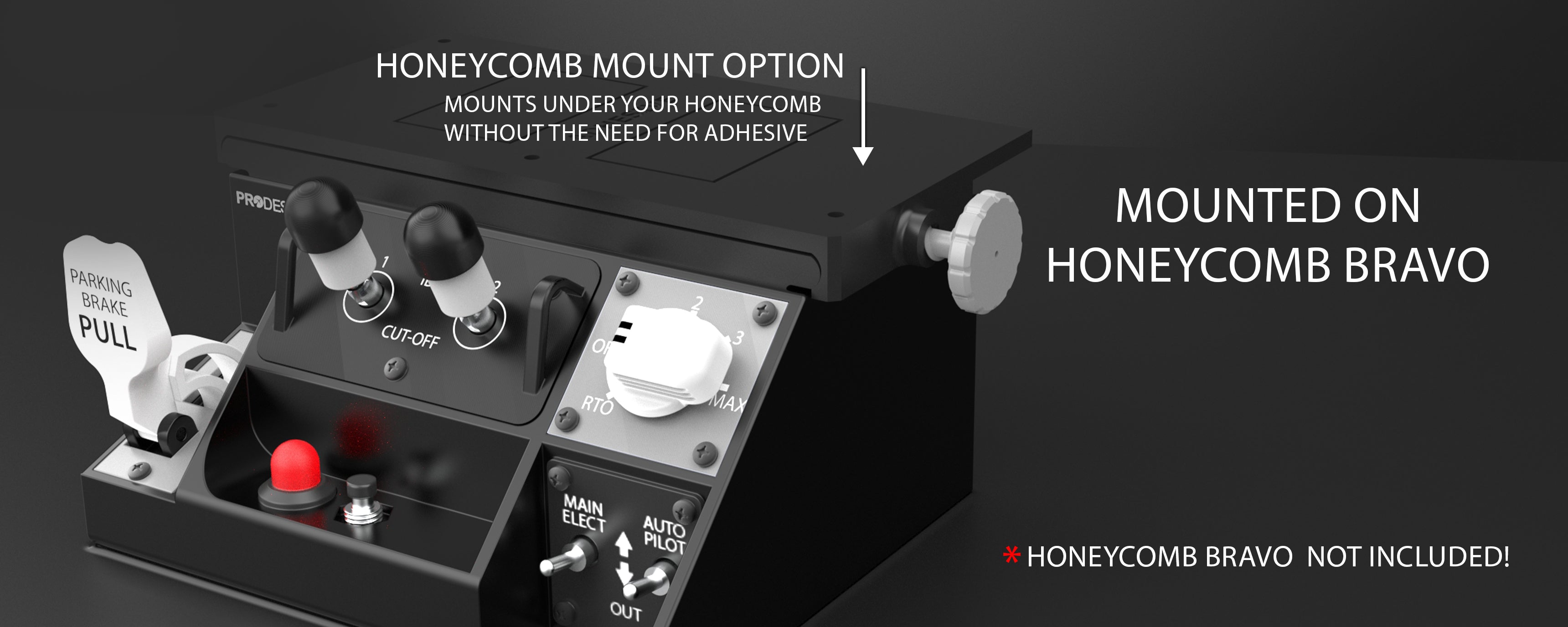
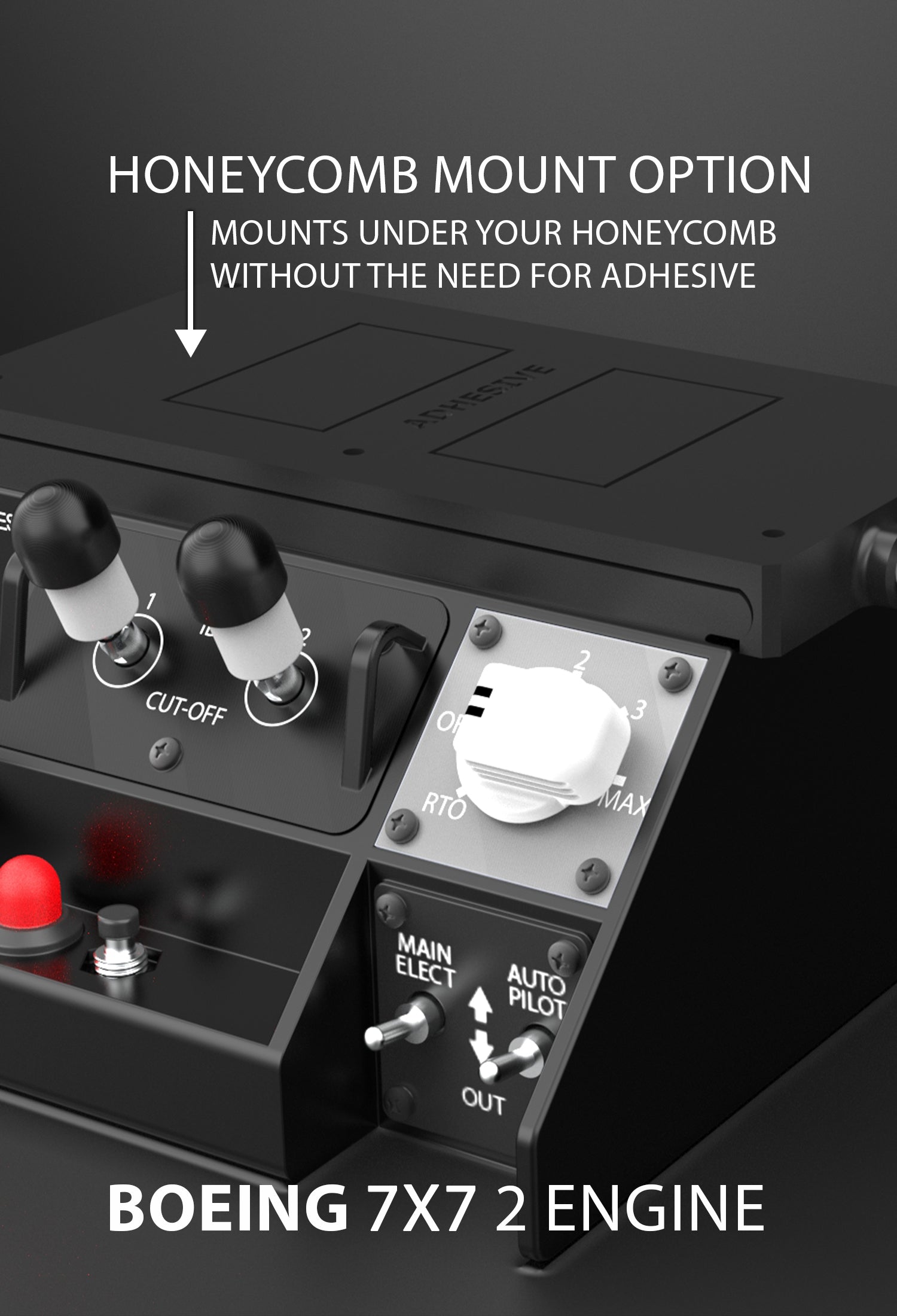
A close-up of a flight simulator control panel mounted on a Honeycomb Bravo unit, with labeled levers, switches, and a knob. Text highlights the mounting option and notes that the Honeycomb Bravo is not included.
Close-up view of a flight control panel with labeled switches and knobs, featuring a “Honeycomb Mount Option” message indicating compatibility with Honeycomb mounts, and text reading "BOEING 7X7 2 ENGINE.