Holiday Sale up to 40%

43 products

Showing 1 - 43 of 43 products

Showing 1 - 43 of 43 products
View
Save 40%
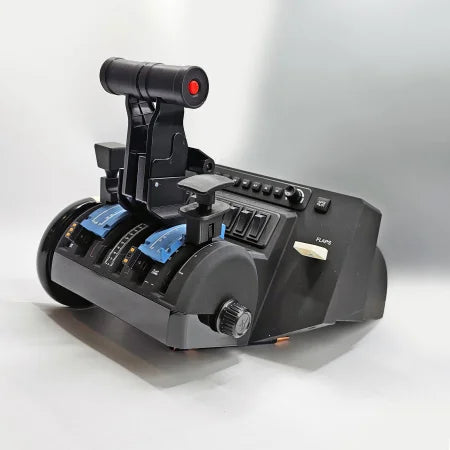
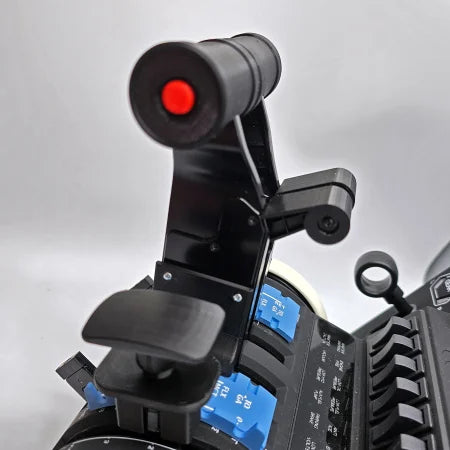
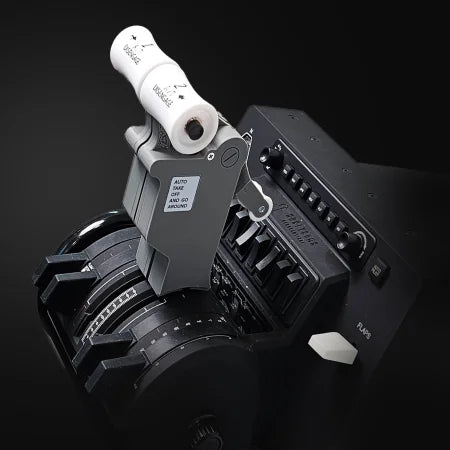
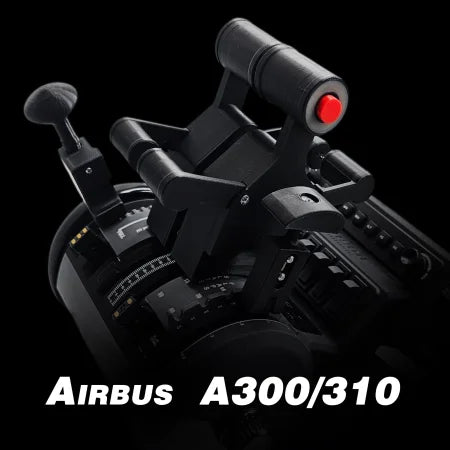
The Prodesksim Airbus A319-320-321 Dual Action Addon for the Honeycomb Bravo throttle quadrant, set against a white background, provides a realistic flight simulation experience with its dual axes levers, switches, and flap controls. Elevate your Airbus A320 adventures with these throttle quadrant add-ons for an immersive aviation gameplay.A detailed view of a Prodesksim Airbus A319-320-321 Dual Action Addon for the Honeycomb Bravo throttle quadrant, featuring a black design with a distinct red circular component and adjustable parts. It is installed on a panel filled with various buttons and switches, some highlighted in blue, elevating the flight simulation experience against a white background.
Save 20%
Close-up of the Prodesksim New ProDeskSim 737 Ultra Full Package Addon throttle quadrant, featuring detailed labeled controls, switches, and buttons. The white-handled panel displays black markings and crisp white labels for realism against a black background.Close-up of the Prodesksim New ProDeskSim B737 Ultra / B737 Full Package Addon throttle quadrant, levers, and switches for MSFS 2020/2024. Overlay text shows six control functions plus "ULTRA 737" and "ALL BUTTONS FUNCTIONS.
Prodesksim New ProDeskSim B737 Ultra / B737 Full Package Addon
Sale priceFrom $101.60 USD Regular price$127.00 USD
Choose options
Save 20%
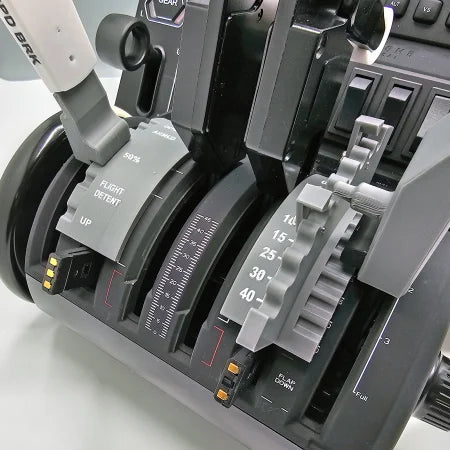
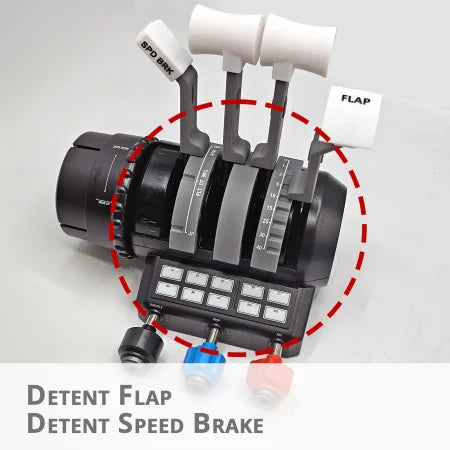
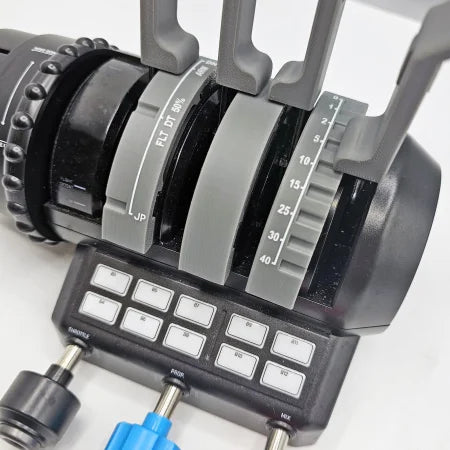
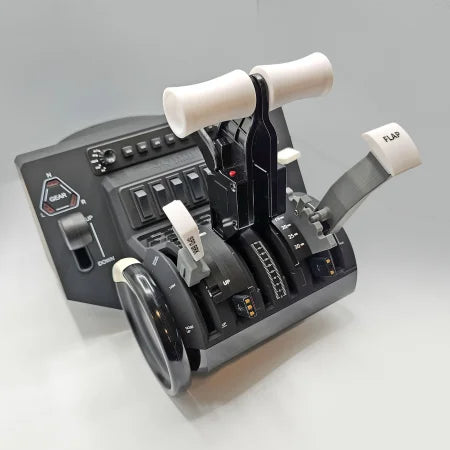
A close-up of the Prodesksim Boeing 737 Functional Addon for Turtle Beach Velocity One shows labeled "SPD BRK" and "FLAP" levers, highlighted by a red dashed circle—ideal for realistic flight simulation setups.Close-up of an aircraft throttle quadrant equipped with multiple levers and switches, resembling the Boeing 737 Functional Addon for Turtle Beach Velocity One by Prodesksim. The levers are labeled with flap settings and angles, while the control panel features several white buttons and switches, similar to those on the Turtle Beach Velocity One for flight simulation.
Prodesksim Boeing 737 Functional Addon for Turtle Beach Velocity One
Sale price$63.20 USD Regular price$79.00 USD
Save 20%
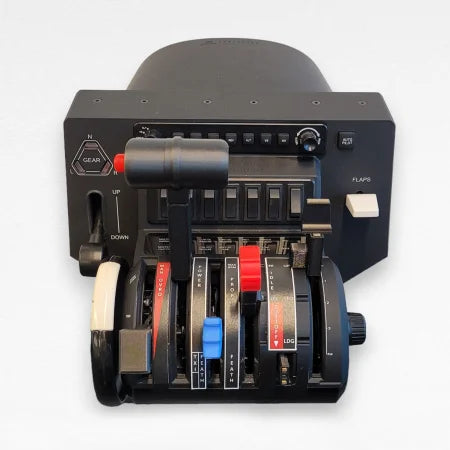
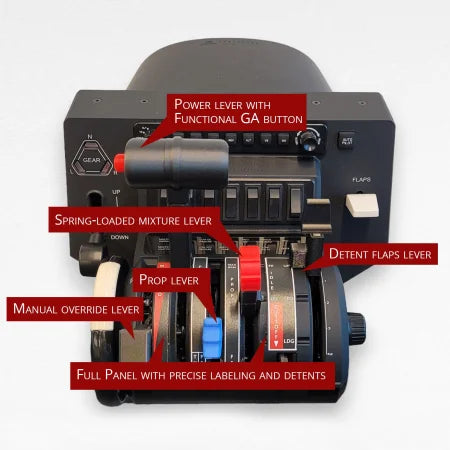
Introducing the NEW! ProDeskSim TBM 850 V2 throttle quadrant mod addon for the Honeycomb Bravo by Prodesksim. This control panel is designed for a seamless flight simulation experience, featuring a black base with various levers and switches. It includes three main levers with colored labels, a gear handle, and several buttons for flight adjustments that mimic the TBM 850 throttle setup.Image showcasing the ProDeskSim TBM 850 V2 throttle quadrant mod addon for the Honeycomb Bravo, featuring labeled components such as a power lever with a functional GA button, spring-loaded mixture lever, detent flaps lever, manual override lever, and a full panel with precise labeling and detents designed by Prodesksim.
Save 20%
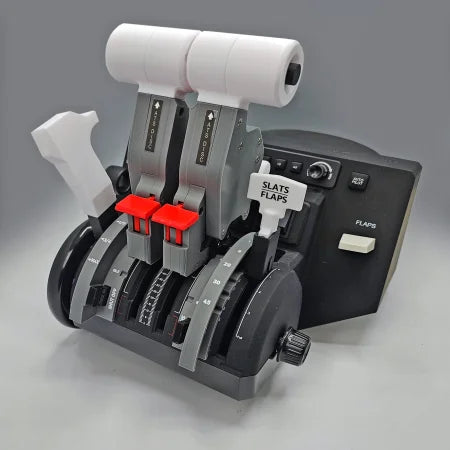
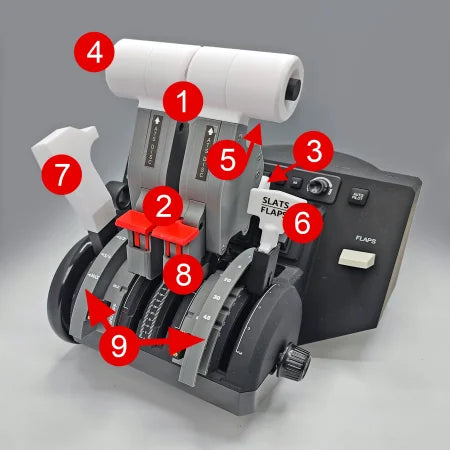
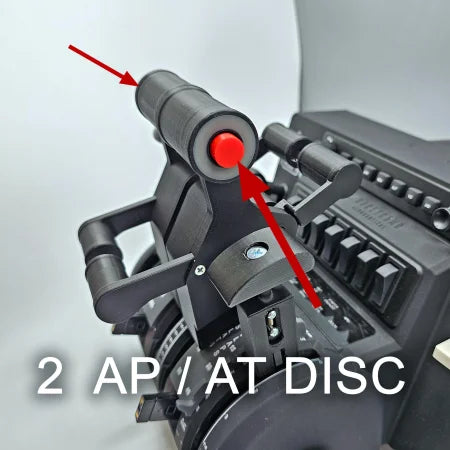
A detailed view of a flight simulator throttle quadrant highlights the NEW! ProDeskSim Honeycomb Bravo addon, expertly crafted for the E-jet series aircraft. This product by Prodesksim features clearly labeled controls and switches that manage various aircraft functions, such as throttle levers and flap controls, all set against a neutral background.The NEW! ProDeskSim Honeycomb Bravo addon for the E-jet series aircraft by Prodesksim enhances your flight control simulator experience with labeled controls, four functional buttons, and two levers marked "A/T Disc." Its side panel includes the "Slats Flaps" lever, providing an immersive touch to E-jet family simulations.
Save 20%
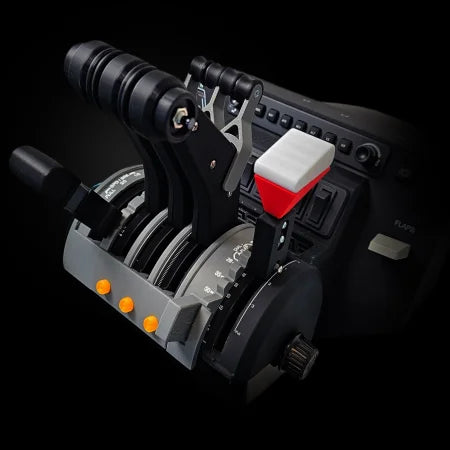
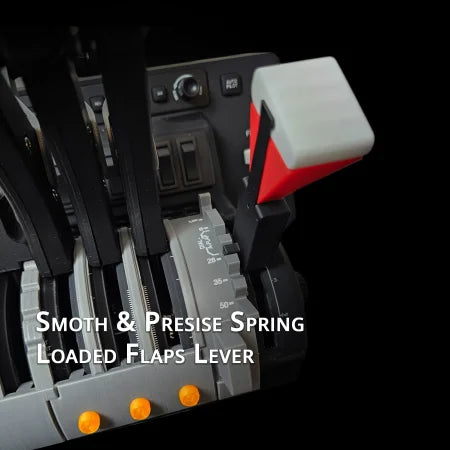
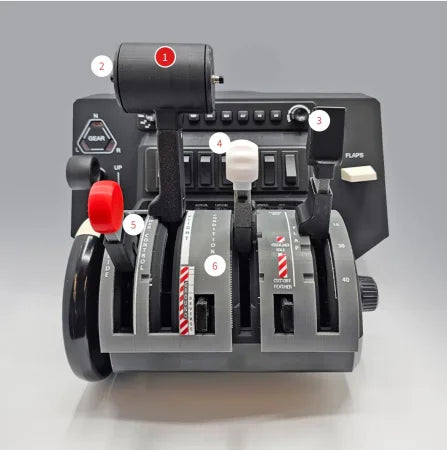
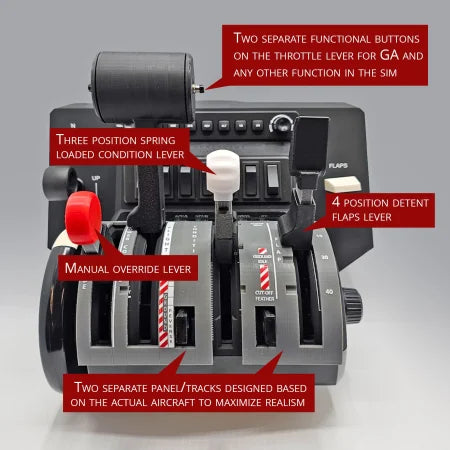
A close-up of the ProDeskSim Pilatus PC-12 Addon/Mod package for the Honeycomb Bravo Throttle Quadrant reveals a throttle quadrant featuring six levers, each labeled from 1 to 6. Ideal for Pilatus PC-12 enthusiasts, the panel is equipped with switches for gear and flap functions against a plain gray background.The NEW! ProDeskSim Pilatus PC-12 Addon/Mod package for the Honeycomb Bravo Throttle Quadrant by Prodesksim elevates your flight simulation experience with its intricately labeled levers: a throttle equipped with buttons, a spring-loaded condition lever, a manual override lever, a four-position detent flaps lever, and additional panels for heightened realism. Ideal for fans of the Pilatus PC-12 model.
Save 40%
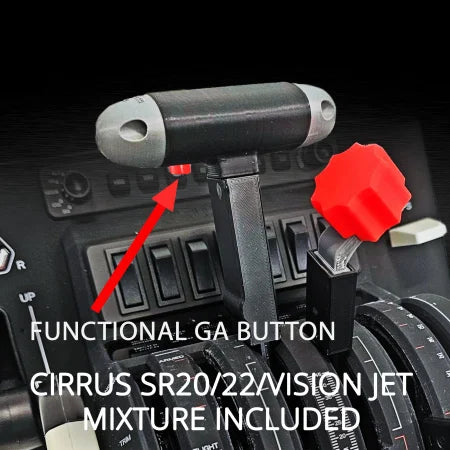
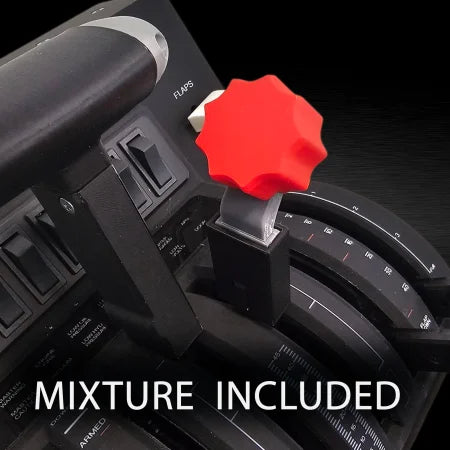
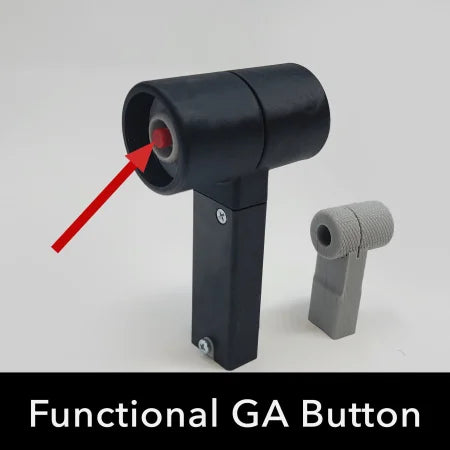
Close-up of Prodesksim Cirrus SR20/22/Vision Jet throttle for Honeycomb Bravo FS2020, Xplane, p3d, with functional GA button and mixture lever—ideal upgrade for your setup.Close-up of a Cirrus SR20/22/vision jet throttle for Honeycomb Bravo by Prodesksim, featuring a red "FLAPS" control knob. The phrase "mixture lever included" is at the bottom on a black background. Suitable for FS2020, Xplane, and P3d.
Save 20%
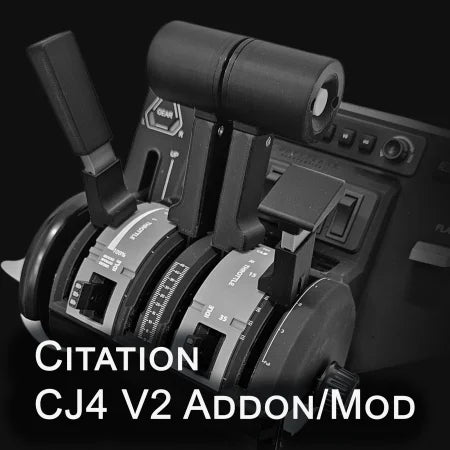
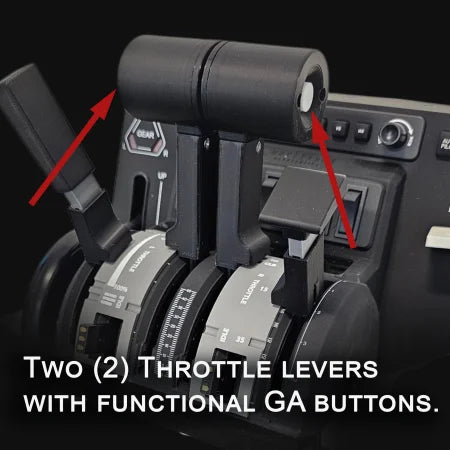
A close-up of the ProDeskSim Citation CJ4 V2 Addon/Mod for HoneyComb Bravo showcases its levers, switches, and indicators against a dark backdrop, perfect for advanced flight simulation or aviation training.Close-up of black throttle levers in the Prodesksim Citation CJ4 V2 Addon/Mod for Honeycomb Bravo setup. Red arrows highlight functional GA buttons against a dark background, with feature details at the bottom.
Save 30%
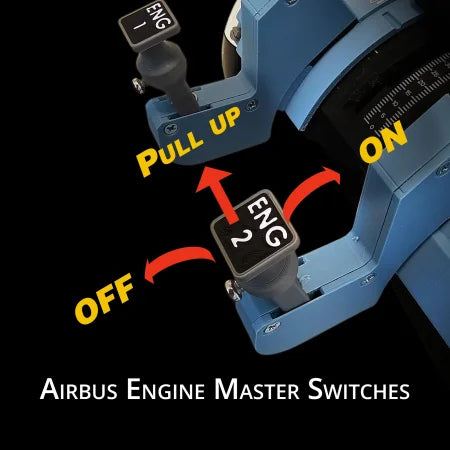
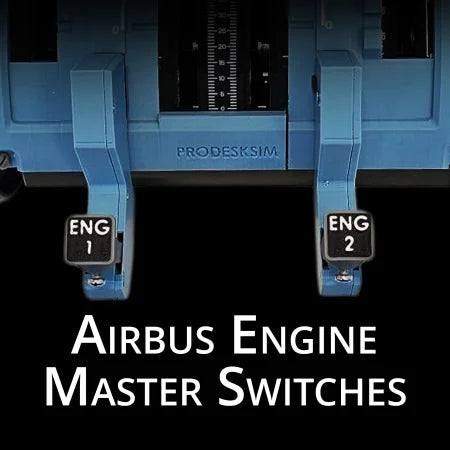
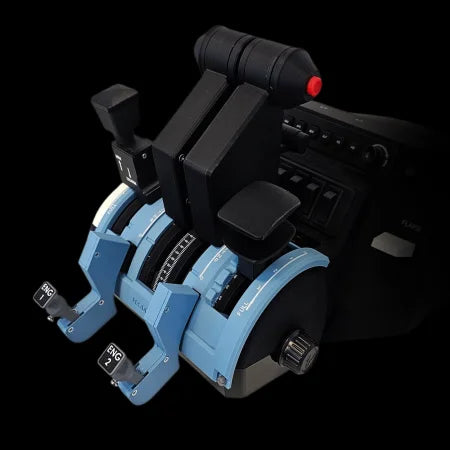
Close-up of Prodesksim Airbus Starter Switches with spring-loaded lock guard, labeled "ENG 1" and "ENG 2," arrows showing OFF to ON movement with a "PULL UP" step—perfect for flight simulators. Text: Airbus Starter Switches.Close-up of two blue Prodesksim Airbus Starter Switches with spring loaded lock guard, labeled "ENG 1" and "ENG 2," on a simulator panel—perfect for flight simulation. "Airbus Engine Master Switches" shown below.
Prodesksim Airbus Starter Switches with spring loaded lock guard
Sale price$41.30 USD Regular price$59.00 USD
Save 10%
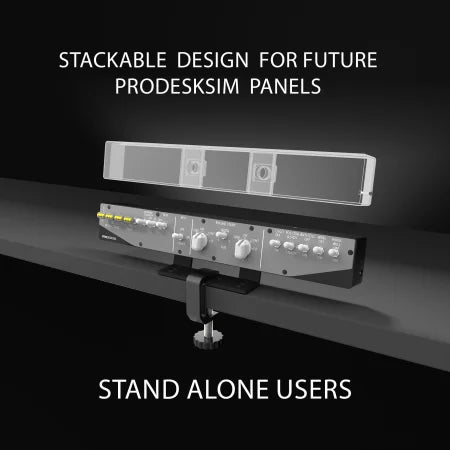
The Prodesksim Stand Alone B737 Engine Start/APU/Lights Overhead Panel features labeled dials and switches for essential controls, white text, and a compact design—ideal USB-C flight sim accessory by Prodesksim.3D render of a Prodesksim Stand Alone B737 Engine Start/APU/Lights Overhead panel clamped to a desk, with a transparent outline above showing stackable design for future Prodesksim panels. Text reads: "Stackable design for future Prodesksim panels.
Save 20%
The Prodesksim New B777 Ultra Addon/Throttle Pack for Honeycomb Bravo is shown against a dark background, featuring bold white text: "ALL BUTTONS FUNCTIONAL ULTRA B777.Close-up of the Prodesksim B777 Ultra Addon/Throttle Pack for Honeycomb Bravo, showing all functional buttons: #1 and #2 A/T Disc, TO/GA #1 and #2, and Reverser #1 and #2—fully compatible with Honeycomb Bravo.
Save 40%
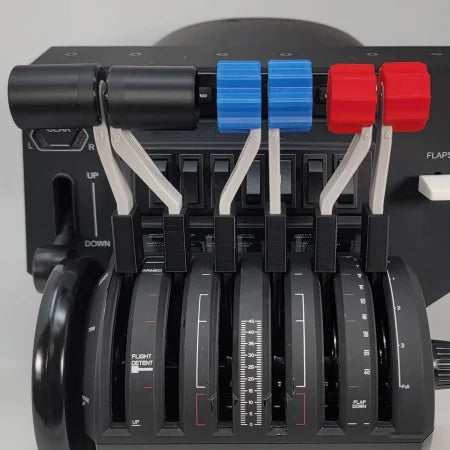
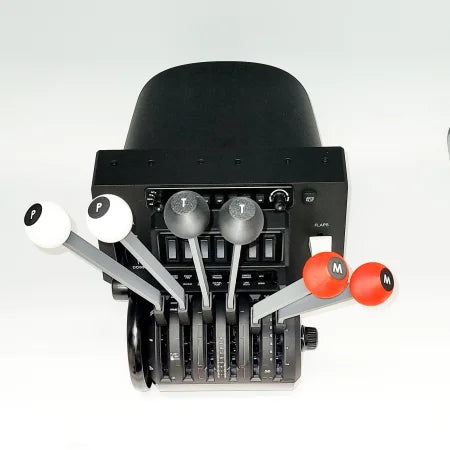
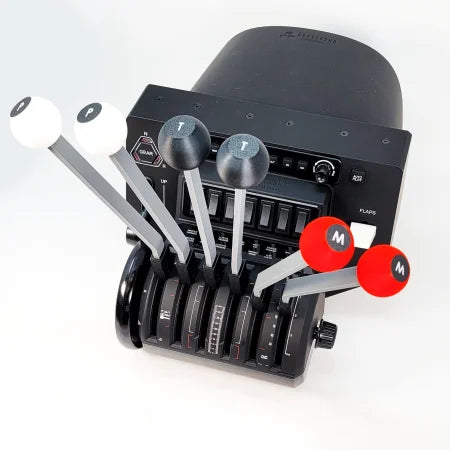
The Prodesksim DC-3 set of six levers for the Honeycomb Bravo Throttle Quadrant, featuring two throttle levers, two mixture levers, and two propeller levers, is perfectly tailored for a DC3 Twin Engine. Each lever is conveniently marked with "P" for Props, "T" for Throttle, and "M" for Mixture and comes with distinct handle colors: two white, two black, and two red, all set against a crisp white background.The DC-3 set of 6 Levers Addon for Honeycomb Bravo Throttle Quadrant by Prodesksim features a combination of throttle, mixture, and prop levers, complete with distinct white, black, and red knobs. It's an ideal addition for simulating the DC3 Twin Engine experience.
Save 20%
Close-up view of the NEW! ATR 42/72 Advanced Throttle Pack for Honeycomb Bravo by Prodesksim, featuring various levers and switches such as fuel cutoff, throttle pack, and flap controls. This setup is meticulously designed to replicate an aircraft's engine control system for immersive flight simulation.Explore the stylish black and blue throttle quadrant from Prodesksim, ideal for flight simulation enthusiasts. The NEW! ATR 42/72 Advanced Throttle Pack for Honeycomb Bravo features numbered levers and labeled buttons, with red arrows emphasizing levers 1 and 2. The base text reads: "#1 - #2 Functional TO/GA," as part of the Advanced ATR package.
Save 20%
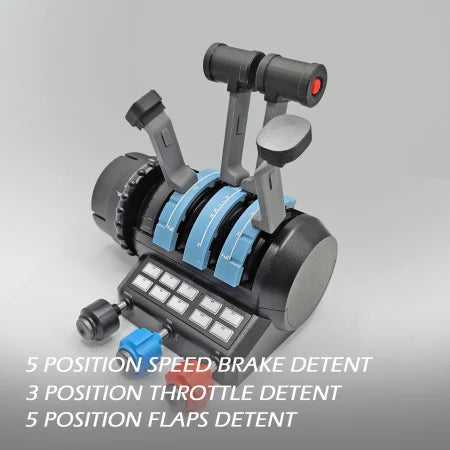
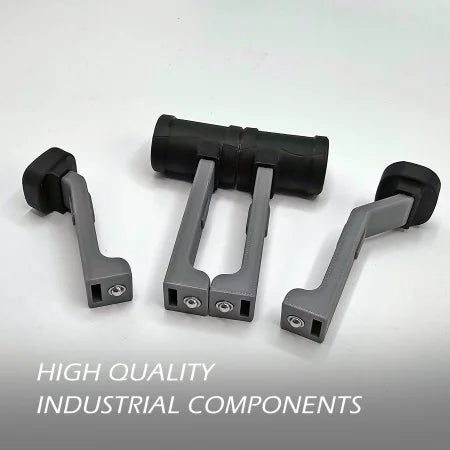
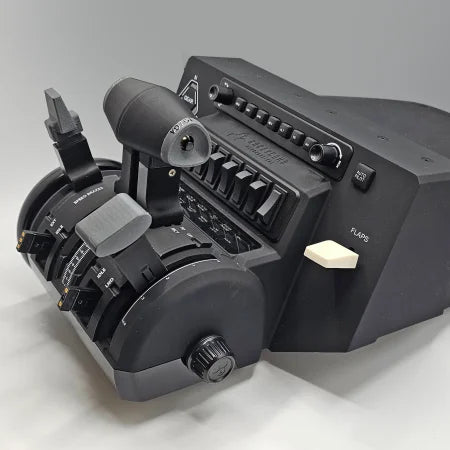
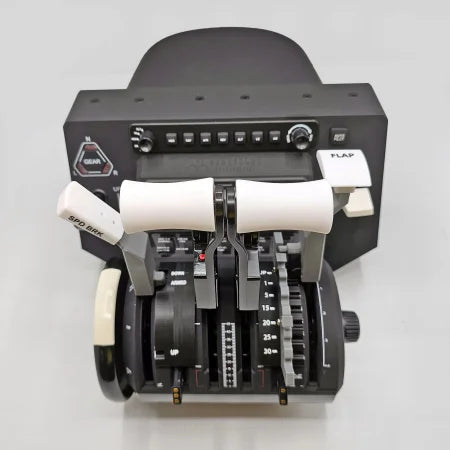
The Airbus Functional Addon for Turtle Beach Velocity One by Prodesksim boasts throttle quadrant levers with labels for "5 position speed brake detent," "3 position throttle detent," and "5 position flaps detent." This addon is perfect for enhancing your flight simulation experience against a simple gray background.Three Airbus Functional Addons for Turtle Beach Velocity One, featuring gray components with black handles, are displayed on a white surface, evoking the precision typical of flight simulation tools. The text "Prodesksim High Quality Industrial Components" is visible in the bottom left corner.
Prodesksim Airbus Functional Addon for Turtle Beach Velocity One
Sale price$55.20 USD Regular price$69.00 USD
Save 30%
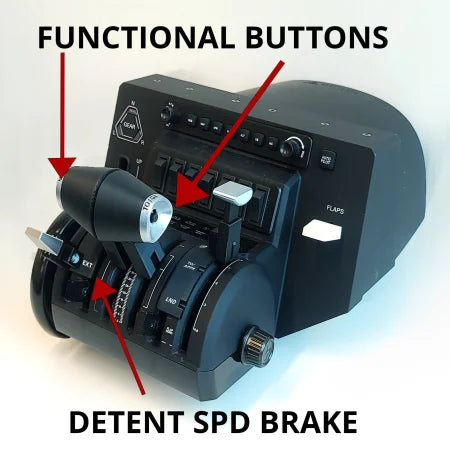
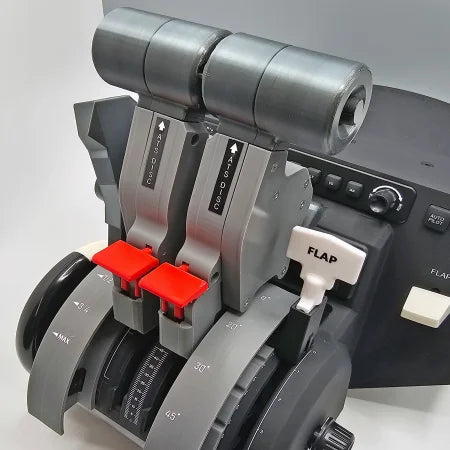
A detailed view of Prodesksim's new Challenger 6xx addon for the Honeycomb Bravo throttle quadrant, ideal for elevating your flight simulation experience. It includes two black levers with red handles labeled "DISC" and a white lever marked "FLAP," reflecting the sleek control design of the Challenger 6xx series.Close-up of the NEW Game Changing Challenger 6xx addon for the Honeycomb Bravo throttle quadrant by Prodesksim, showcasing its labeled features: functional buttons, realistic reversers, locking shut-offs, detent speed brake, and detent flaps. Enhanced for an immersive flight simulation experience, these features are highlighted in red text.
Save 40%
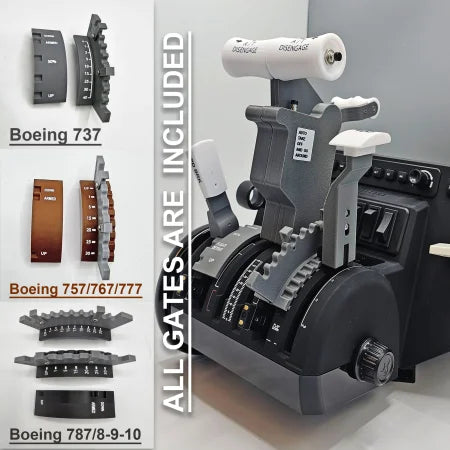
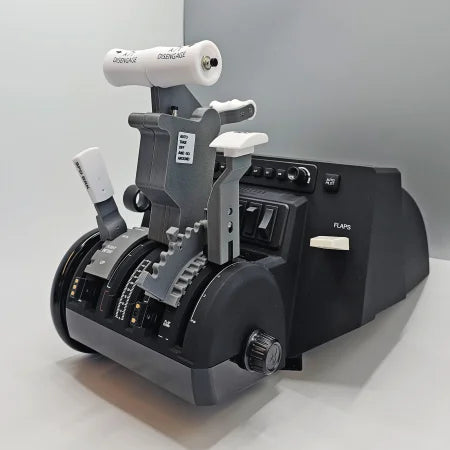
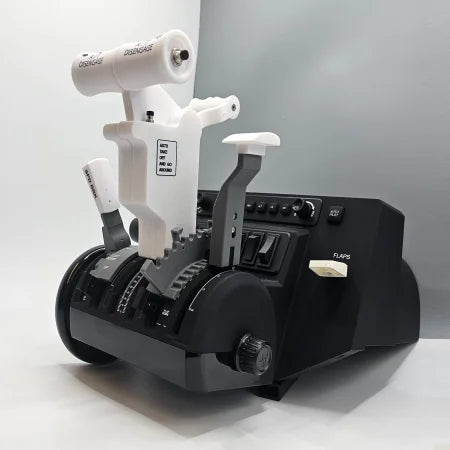
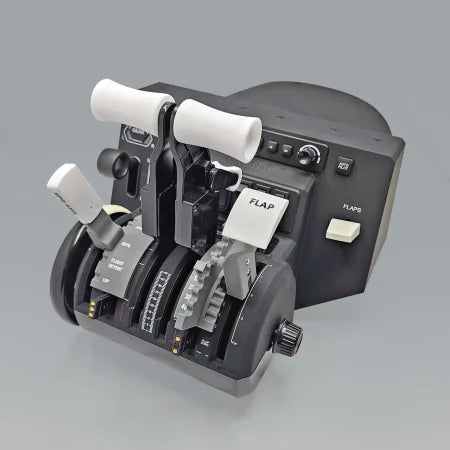
Close-up of a flight simulator control panel, featuring throttle levers, switches, and a labeled flap control. The sleek black design showcases Prodesksim's Boeing 757/767 Dual Action throttle pack/mod for the Honeycomb Bravo throttle quadrant with multiple gauges and the industry standard roller detent for precise operation.The Boeing 757/767 Dual Action throttle pack/mod by Prodesksim for the Honeycomb Bravo throttle quadrant showcases a realistic design with dual-action levers, including labels for flaps and spoilers. Its sleek black finish and the industry-standard roller detent offer an authentic cockpit experience, complete with numerous buttons and switches for genuine operation.
Save 30%
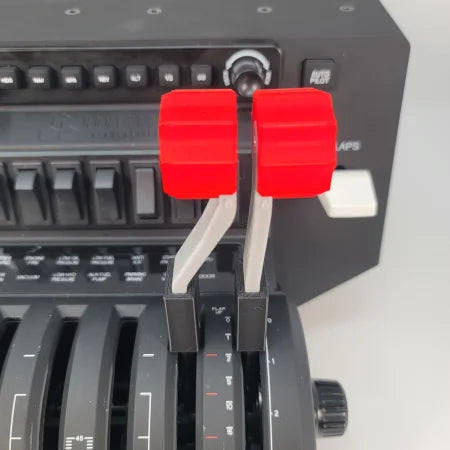
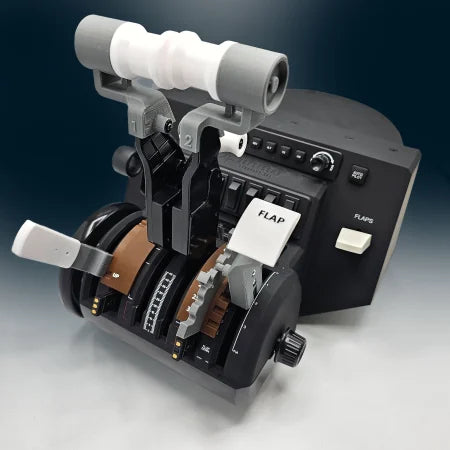
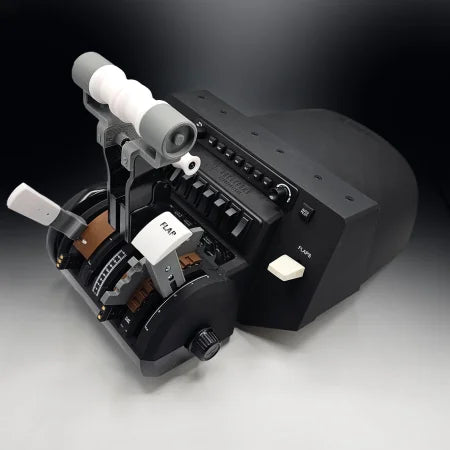
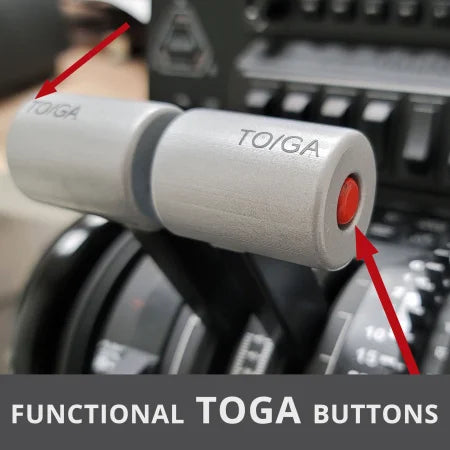
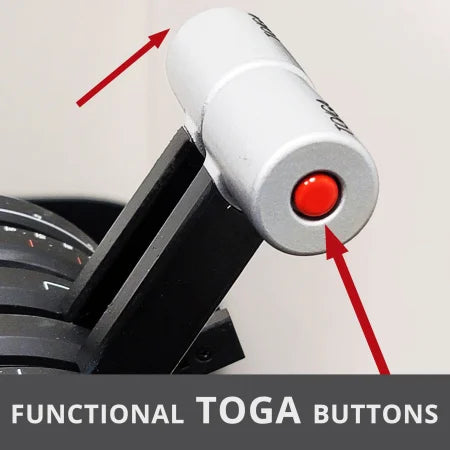
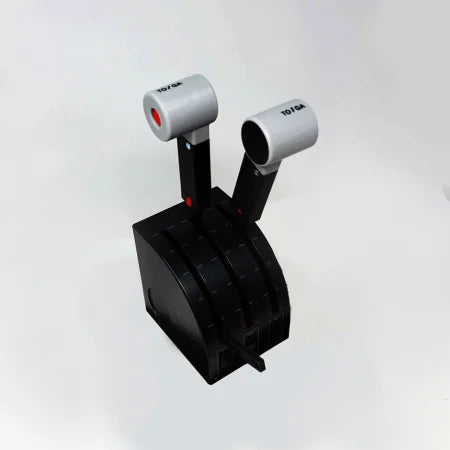
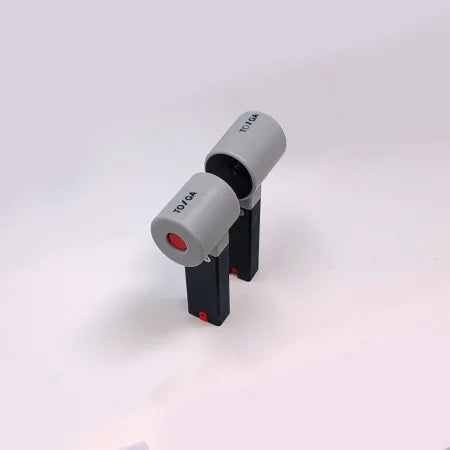
Close-up of two gray TO/GA (Takeoff/Go-Around) buttons with red tops on a Prodesksim Phenom-jet-emb-100-300-premium-throttle-lever-for-honeycomb-bravo in a flight simulator. The text "Functional TOGA Buttons" is displayed in the foreground, while red arrows highlight the buttons.Close-up of a Phenom-jet-emb-100-300-premium-throttle-lever featuring a TOGA button, highlighted with red arrows. The text "Functional TOGA Buttons" is boldly displayed at the bottom over a gray background. Perfect for your Prodesksim Honeycomb Bravo setup in any flight simulator scenario.
Save 30%
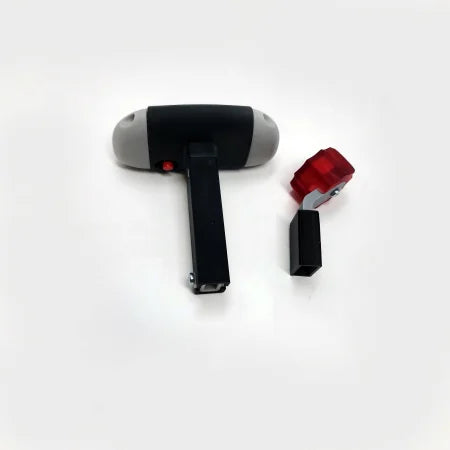
A Prodesksim Cirrus SR20/22/Vision Jet throttle and mixture combo for the Saitek/Logitech throttle quadrant, featuring three levers including a striking red lever and a white-tipped one, ideal for flight simulation enthusiasts, is showcased on a pristine white background.Set against a pristine white background, the elegant hand staple gun features a black handle and a red adjustment knob, evoking the precision associated with Prodesksim's Cirrus SR20/22/Vision Jet Throttle and Mixture Combo for the Saitek/Logitech Throttle Quadrant.
Save 30%
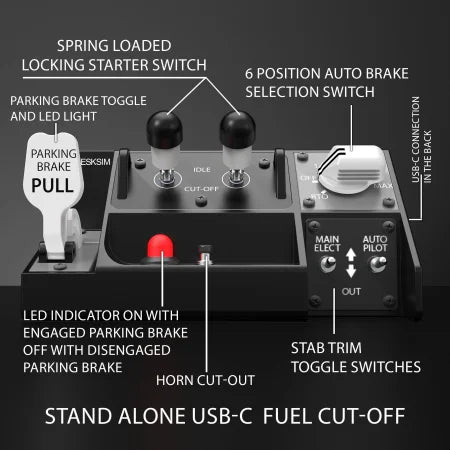
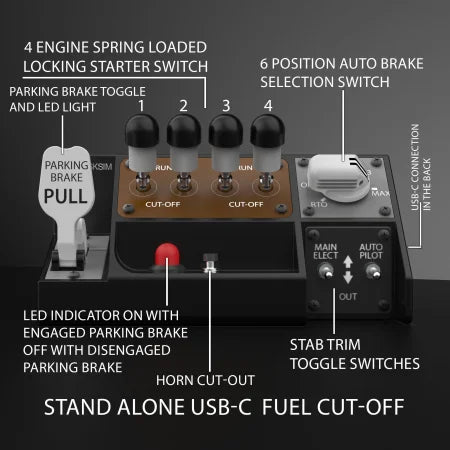
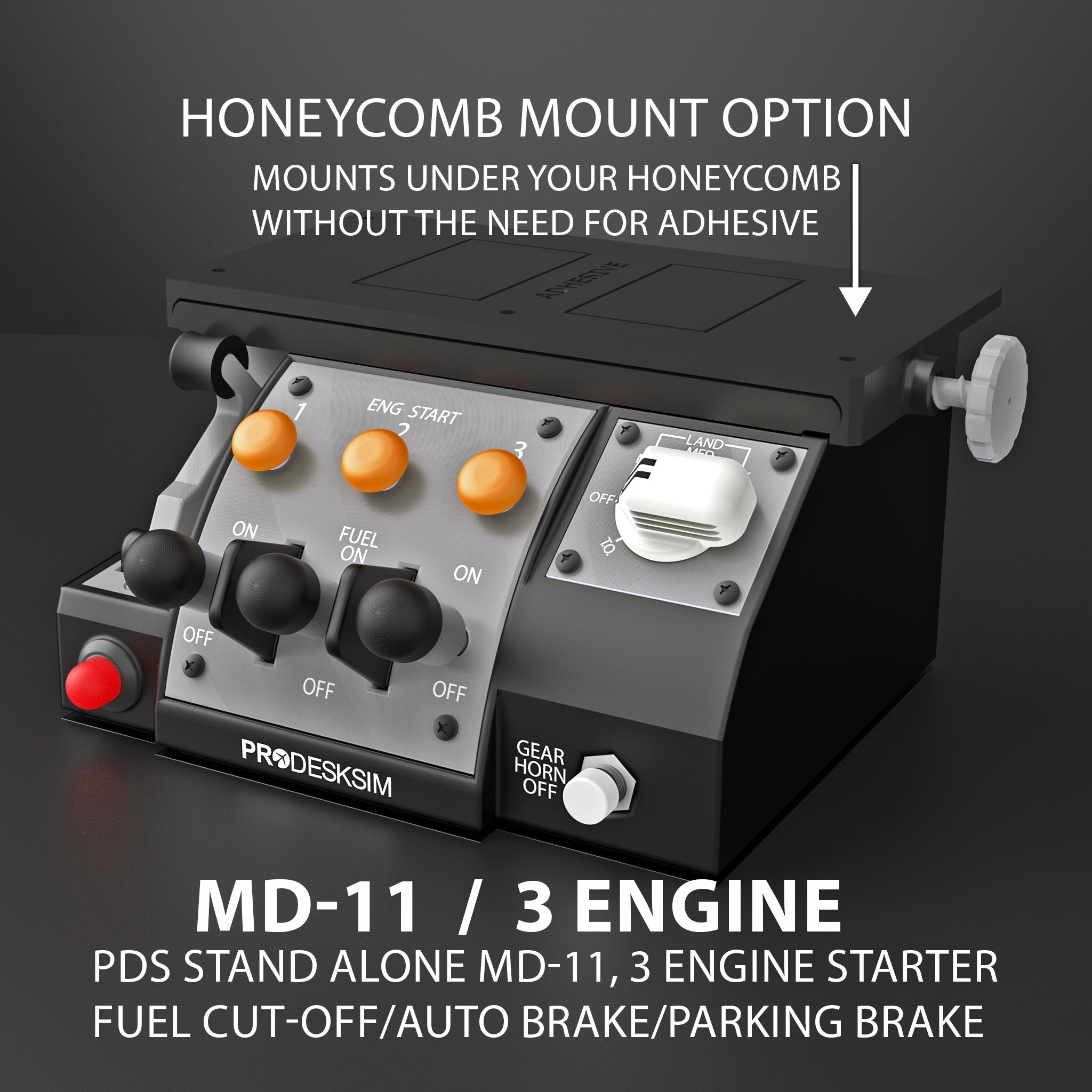
The Prodesksim McDonnell Douglas MD-11 module for Honeycomb Bravo throttle and Microsoft Flight Simulator showcases black control levers on a dark background, with multiple levers such as one featuring a striking red and white handle, complemented by various buttons and a dial.

Recently viewed